How to Create a Professional Website for Escort Work
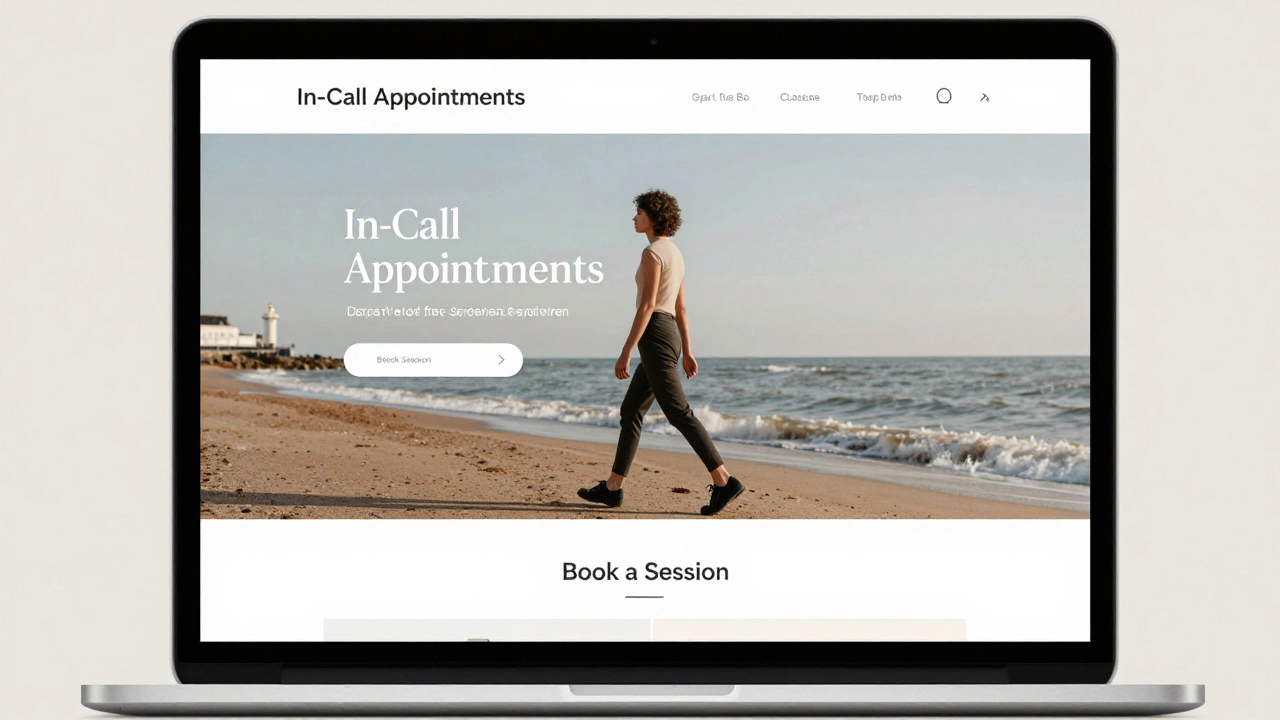
Building a professional website for escort work isn’t about flashy graphics or buzzwords. It’s about trust, clarity, and safety. If you’re running your own business as an independent escort, your website is your storefront. It’s the first thing clients see before they message you. A sloppy site drives people away. A clean, well-structured one builds confidence-and bookings.
Start with a Clear Purpose
Your website isn’t a blog. It’s not a portfolio of party photos. It’s a service page. Clients want to know: Who are you? What do you offer? Is this safe and professional? Answer those three questions clearly, and you’ll filter out the wrong people before they even reach out.Forget vague phrases like "experienced companion" or "discreet services." Be specific. Mention your location, availability, and the types of appointments you accept. If you only do in-call sessions in Brighton, say so. If you don’t offer certain services, state that too. Honesty reduces misunderstandings and protects you.
Choose the Right Platform
You don’t need to code from scratch. Most successful independent escorts use simple, reliable platforms like WordPress or Squarespace. These let you build a clean site in hours, not weeks. Avoid free hosting services like Wix or Weebly if you plan to scale-they often come with ads, limited customization, and weak security.WordPress with a lightweight theme like Astra or GeneratePress is the most common choice. It’s secure, easy to update, and lets you add plugins for contact forms, booking calendars, and privacy controls. Squarespace is a good alternative if you prefer drag-and-drop simplicity and don’t want to deal with plugins.
Never use AdultWork’s built-in profile page as your only online presence. It’s public, easily indexed by search engines, and leaves you vulnerable to scammers and stalkers. Your personal website should be the hub. AdultWork can be a directory listing that points back to your site.
Design for Trust, Not Sensuality
Your photos matter-but not in the way you might think. Avoid overtly sexual images. No lingerie shots, no bed poses, no suggestive angles. Instead, use high-quality, well-lit photos of you in casual, confident settings: walking in Brighton seafront, sitting at a café, smiling at the camera in natural light. These show personality, not just physical appearance.Use a neutral color palette-white, gray, soft beige. Avoid reds, blacks, or neon accents. They scream "adult site," which triggers alarm bells for cautious clients. Use clear fonts like Helvetica or Lato. No cursive. No glitter. No animated banners.
Include a professional headshot. Not a selfie. Not a filter. A real photo, taken by someone else if possible. This signals you take your work seriously.
Write Like a Professional, Not a Stereotype
Your bio should sound like a person, not a script. Write in your own voice. Talk about what you enjoy: meeting new people, creating comfortable spaces, the importance of boundaries. Mention your values: discretion, respect, consent.Here’s what works:
- "I prioritize clear communication and mutual respect in every interaction."
- "I’m based in Brighton and offer in-call appointments Monday to Friday."
- "All sessions are private, confidential, and strictly by appointment."
Avoid these:
- "I’m a hot girl who loves to please."
- "Call me for wild nights."
- "I’ll make you forget your wife."
These phrases attract the wrong kind of attention-from predators, scammers, and law enforcement. They also make you look inexperienced. Professional clients want someone who sounds grounded, not exaggerated.
Include Essential Pages
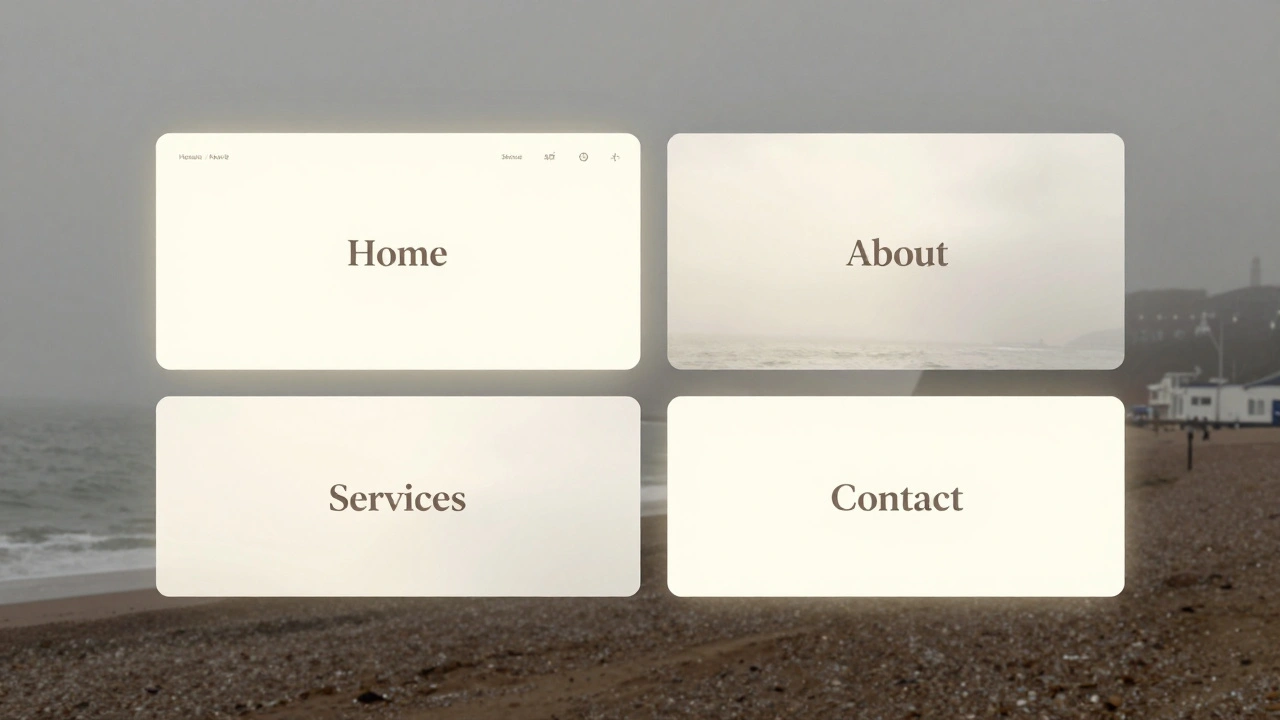
A basic website needs four pages:- Home - Your intro, one photo, and a clear call to action ("Book a session" or "Send a message").
- About - Your story, values, and what makes you different.
- Services - List what you offer (and don’t offer). Be specific. Example: "In-call sessions only. No outcalls. No group bookings. No public locations."
- Contact - Use a contact form, not an email address. Never display your real email or phone number on the site. Use a service like ProtonMail or a burner number linked to your main phone.
Optional but recommended: a FAQ page. Answer common questions like:
- "Do you require a deposit?"
- "What’s your cancellation policy?"
- "How do I book?"
This reduces back-and-forth messages and saves you time.
Protect Your Privacy
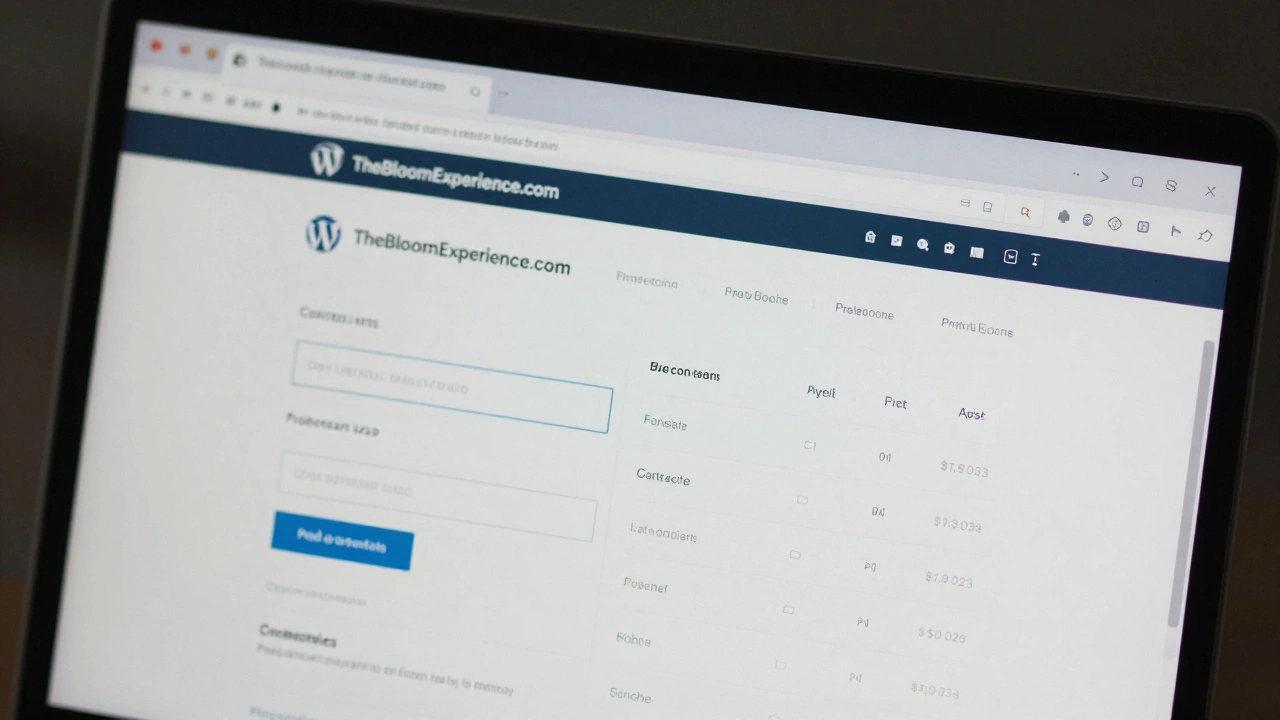
This is non-negotiable. Your website must not reveal your real name, address, workplace, or any personal details. Use a pseudonym. Never mention your neighborhood, street, or building name. If you work from a flat, say "in-call in Brighton"-not "in my flat on Lewes Road."Use a domain name that doesn’t include your real name. Avoid "SarahSmithEscorts.com" or "LilyBrighton.com." Instead, pick something neutral like "TheBloomExperience.com" or "EveningCompanionsUK.com." These sound professional, not like a personal blog.
Enable HTTPS. Make sure your hosting provider offers SSL encryption. Without it, browsers will warn visitors your site is "not secure." That kills trust instantly.
Use a virtual private network (VPN) when managing your site. Never log in from public Wi-Fi. Use two-factor authentication on your hosting account. Change passwords every 90 days.
Drive Traffic the Right Way
Your website won’t rank on Google for terms like "escort in Brighton"-and it shouldn’t. Search engines actively filter this content. Instead, rely on word-of-mouth and trusted directories like AdultWork.Post your website link on your AdultWork profile. That’s your main traffic source. You can also share it in private, vetted forums or encrypted messaging groups. Never post your link on Reddit, Facebook, Instagram, or public social media. These platforms ban escort content and will ban your account-or worse, report you.
Ask satisfied clients to leave anonymous testimonials on your site. Not their names. Just quotes: "Professional, respectful, and easy to talk to." These build credibility without risking exposure.
Update Regularly
A website that hasn’t been updated in six months looks abandoned. Update your availability. Add new photos. Refresh your bio. Even small changes signal you’re active and serious.Check your site every month. Make sure links work. Test your contact form. Confirm your booking calendar syncs with your actual schedule. Outdated info leads to frustration-and lost bookings.
Know the Risks
Running a website for escort work carries legal and personal risks. In the UK, advertising sexual services is legal if you’re independent-but soliciting in public or running a brothel isn’t. Your site must never imply group bookings, street solicitation, or third-party involvement.Be aware that law enforcement monitors keyword trends. Avoid phrases like "cheap escort," "24/7 service," or "quick meet." These trigger red flags. Stick to neutral, professional language.
Always have a safety plan. Share your appointment details with a trusted friend. Use a code word if something feels off. Never meet someone without a screening call first. Your website is your business tool-but your safety is your priority.
What to Avoid
Here’s a quick checklist of what not to do:- Don’t use your real name or location details.
- Don’t post videos or explicit content.
- Don’t link to social media profiles with personal info.
- Don’t use stock photos.
- Don’t promise "guaranteed results" or "best in the city."
- Don’t copy another escort’s website. It’s unprofessional and risks legal issues.
Keep it simple. Keep it safe. Keep it real.
Can I use my real name on my escort website?
No. Using your real name exposes you to serious risks-stalking, harassment, or legal issues. Always use a pseudonym. Even if you think you’re "safe," details can be traced. Professional escorts who use aliases stay safer and more in control.
Should I include my phone number on the website?
Never. Always use a contact form or a separate burner number. Your main phone should stay private. If someone calls your personal number, they’re bypassing your screening process. That’s dangerous. Use services like Google Voice or a VoIP number linked to your main device for professional contact.
How do I get clients if my site doesn’t show up on Google?
Most clients find escorts through trusted directories like AdultWork, not search engines. Focus your energy there. Post a clear, professional profile with a link to your site. Encourage clients to message you through the platform first. Your website is your brand-your AdultWork profile is your lead generator.
What if someone screenshots my site and shares it?
That’s a risk with any online presence. To minimize it, avoid showing your face in all photos. Don’t include landmarks or identifiable backgrounds. Use watermarks on images if you’re worried. If your site is shared without consent, don’t panic. Change your domain, update your contact info, and notify your regular clients privately. Most clients understand the need for privacy.
Do I need a contract or terms of service?
It’s not legally required, but it’s smart. A simple terms page protects you. State your cancellation policy, payment rules, and boundaries. Example: "All bookings require a 50% non-refundable deposit. No exceptions." This prevents disputes and sets clear expectations before the appointment.
Next Steps
Start small. Pick one platform. Buy a domain. Write your bio. Upload three photos. Add a contact form. That’s it. You don’t need a perfect site-you need a trustworthy one.Review your site every two weeks. Ask yourself: Would I feel safe booking with me? If the answer is yes, you’re on the right track. If not, tweak it. Keep improving. Professionalism isn’t about spending money-it’s about showing up with respect, clarity, and care.